Support Center
We're here to help you get the most out of CuraMate
We're here to help you get the most out of CuraMate
Find answers to common questions or contact our support team. We're committed to providing you with the best experience.
Download the app from the App Store, create your account, and complete your health profile. You can then start chatting with AI doctors, tracking your health, and receiving personalized recommendations.
No, CuraMate is not a substitute for professional medical advice, diagnosis, or treatment. Always consult qualified healthcare professionals for medical concerns. CuraMate provides informational and educational content to support your health journey.
Our AI doctors use advanced language models to provide health information and guidance. Simply type your health questions or concerns, and receive personalized responses based on your profile and health data.

Yes! You can upload photos of symptoms, skin conditions, or other health concerns. Our AI will analyze the images and provide insights. Remember, this is for informational purposes only and not a medical diagnosis.
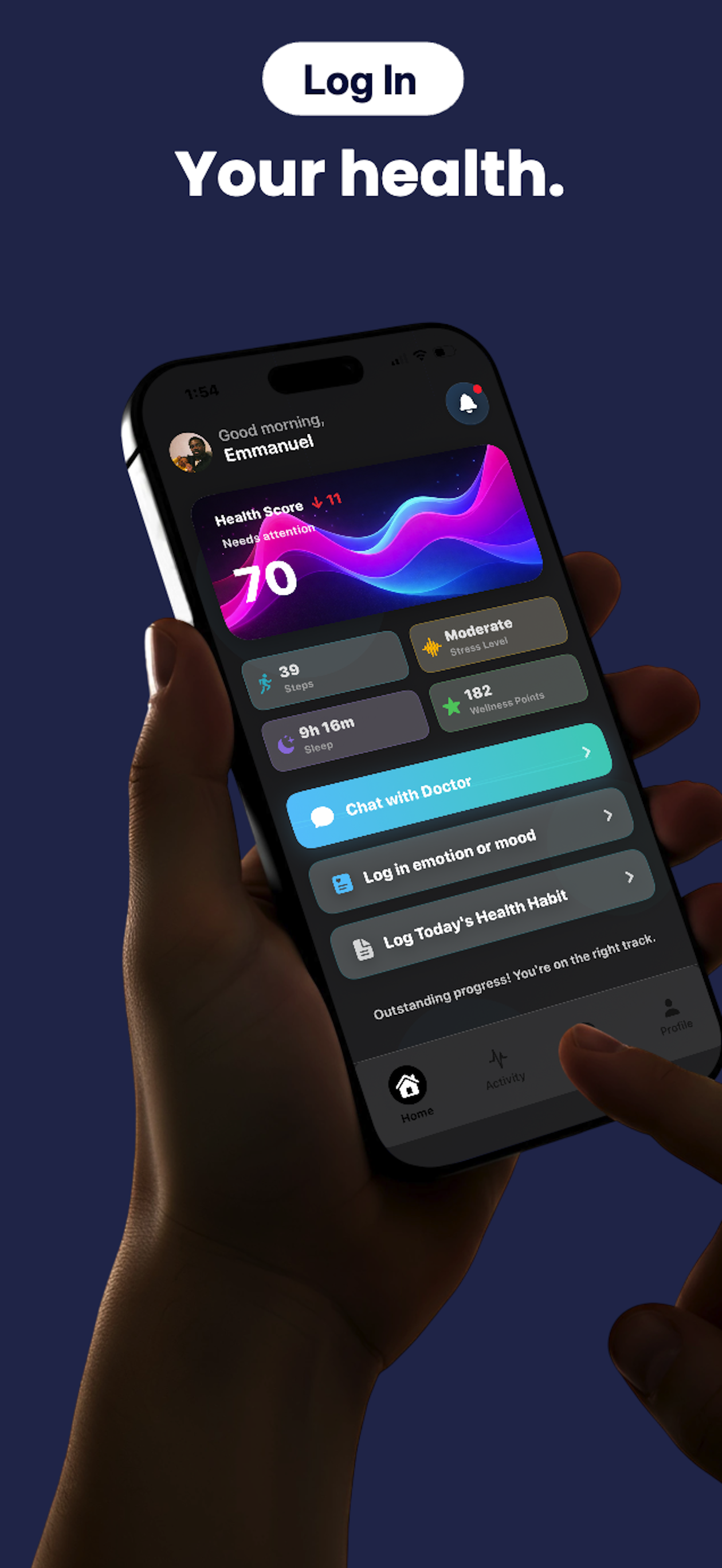
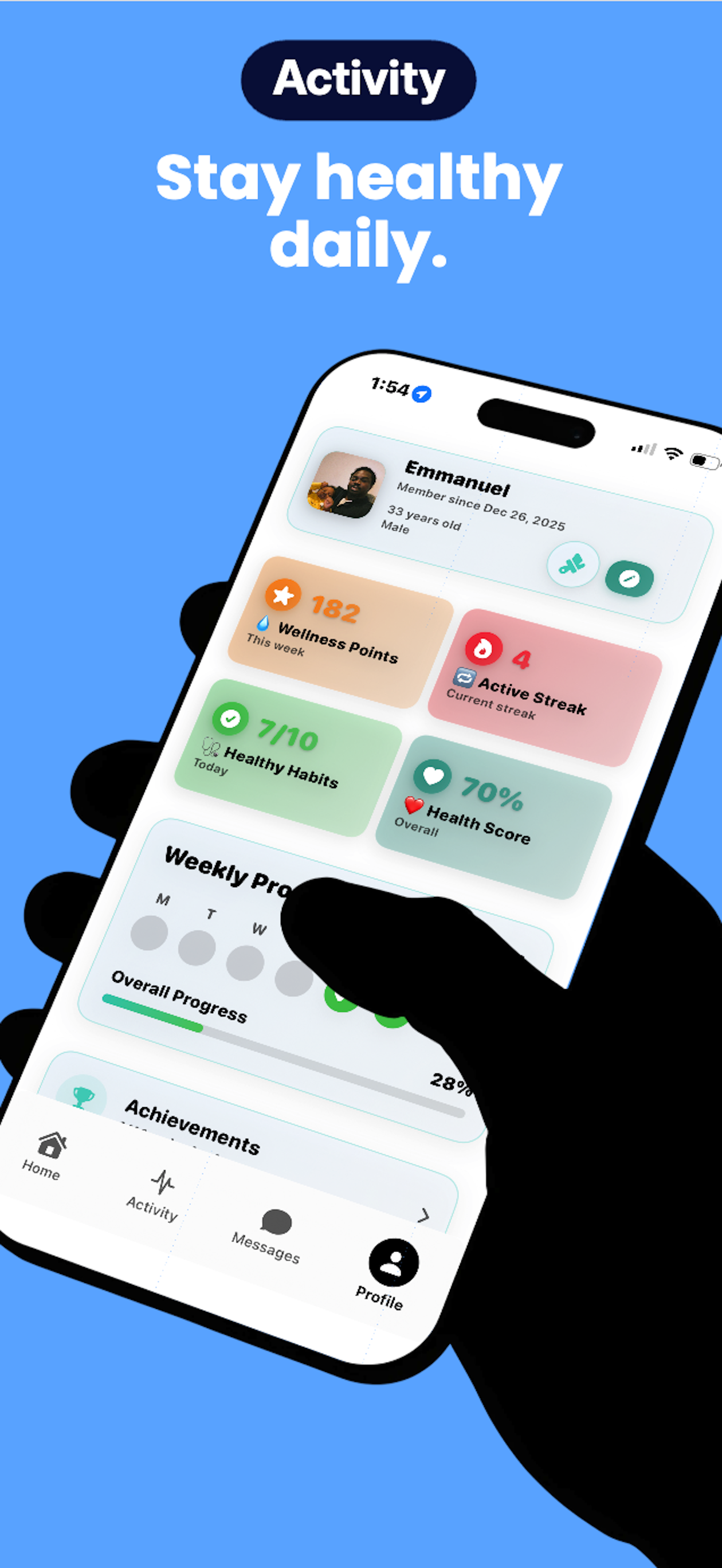
CuraMate allows you to track daily habits, wellness points, active streaks, and more. The app integrates with Apple Health to sync your health data automatically (with your permission).
Wellness points are earned by completing healthy habits and activities. Active streaks track consecutive days of engagement. Both help motivate you to maintain healthy routines.
You can manage your subscription through your device settings. Go to Settings > [Your Name] > Subscriptions, then select CuraMate to view, modify, or cancel your subscription.
Yes, we take your privacy and data security seriously. All health data is encrypted and stored securely. Please review our Privacy Policy for detailed information about how we protect your data.
If you need to reset your password, use the "Forgot Password" option on the login screen. You'll receive instructions via email to reset your password securely.
Experiencing crashes or bugs? Try restarting the app or updating to the latest version from the App Store.
Not receiving reminders? Check your device notification settings and ensure CuraMate has permission to send notifications.
Health data not syncing? Verify that you've granted CuraMate permission to access Apple Health in your device settings.
Questions about charges or refunds? Contact us at support@curamate.com or manage subscriptions through your device settings.
Can't find what you're looking for? Our support team is here to help!
Email: support@curamate.com
Response Time: We typically respond within 24-48 hours
For urgent medical concerns, please contact emergency services or your healthcare provider immediately.
Thank you for using CuraMate. We're here to support your health journey every step of the way.